



Transform Any Room Into Your Dream Space With Free AI Design Tools in 30 Minutes
Difficulty: Novice
Time: 30-45 minutes
Cost: Free
You know that feeling when you walk into a beautifully designed room and think, "I wish my space looked like this, but I have no idea where to start"? Well, here's some exciting news – those days of design paralysis are officially over. Modern AI-powered design tools have supercharged home decorating, making it easier than ever for people to create floor plans and envision their interior designs without needing a degree in design or a massive budget.
What makes this transformation possible? These intelligent platforms eliminate the three biggest barriers that traditionally held homeowners back: the high cost of professional consultation, the technical complexity of design software, and the overwhelming number of choices. AI does the heavy lifting by analyzing your space, understanding design principles, and generating professional-quality results in minutes instead of months. The best part? You can start experimenting with your space today using nothing more than your smartphone camera and some creative vision.
What You'll Need
Materials
Smartphone or digital camera
Computer or tablet with internet access
Photos of your current room (multiple angles recommended)
Clear idea of your preferred style direction
Tools
Free AI design platform (we'll cover the top options)
Web browser
Optional: Pinterest account for inspiration gathering
Safety First
No physical safety concerns for this digital project
Protect your privacy by reading the platform terms before uploading room photos
Consider watermarking personal photos if sharing publicly
Why AI design tools are game-changers
The landscape of home design software has transformed dramatically in recent years. What once required expensive software subscriptions and technical expertise now happens with simple photo uploads and style selections. More than just convenience – it's about accessibility. Traditional design software often costs hundreds of dollars annually and requires weeks of learning, putting quality design tools out of reach for most homeowners.
AI algorithms can analyze design patterns, user preferences, and spatial data to suggest smart furniture layouts, enabling technologies like virtual reality, augmented reality, and real-time photorealistic renders. The technology understands spatial relationships, lighting principles, and design fundamentals that create visually appealing spaces. These platforms generate magazine-quality renders that rival professional work – something that would have cost thousands of dollars just a few years ago.
Here's what makes this particularly exciting: recent technological improvements have dramatically enhanced accuracy and usability. Early AI design tools often struggled with maintaining room parameters and would move architectural elements like windows around. Thanks to advanced protocols that provide better control over AI image generation, modern tools maintain your room's actual structure while completely reimagining the design possibilities within that space.
Getting started: Pick your perfect AI design platform
With dozens of options available, the 'best' tool depends entirely on your project goals and technical comfort level. The key is understanding how different platforms serve different needs – from simple style experimentation to comprehensive room planning.
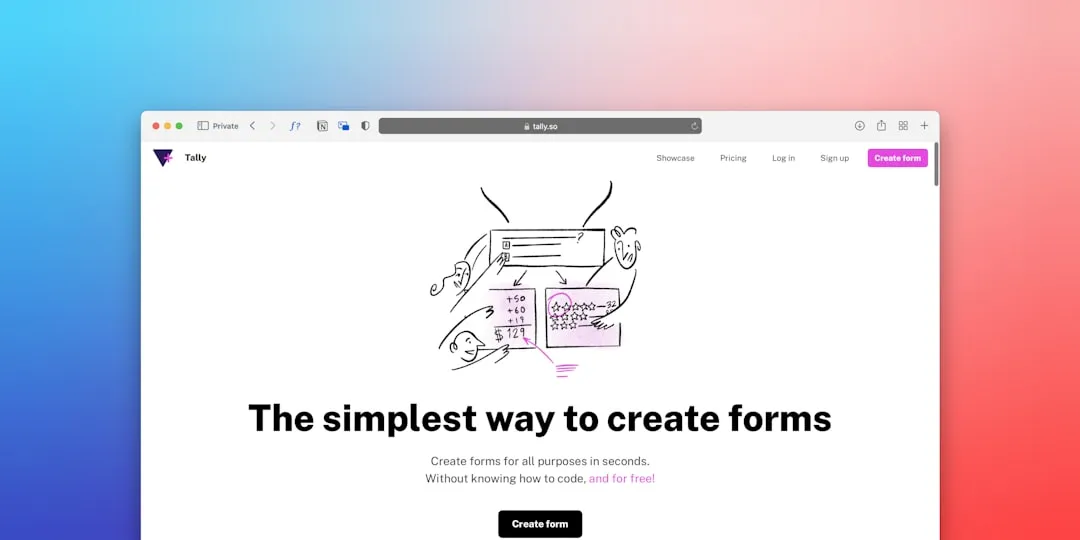
For absolute beginners seeking instant results: Decoratly offers a free AI Room Designer with 50+ professional styles. The process couldn't be simpler – transform your room in 3 steps: upload a photo, choose a style, and get your design in about 30 seconds. Its AI technology is trained on 5 million professional designs and uses computer vision for room analysis with 99% accuracy. What makes Decoratly particularly user-friendly is its dual approach: Makeover Mode for complete transformation and Enhance Mode for practical improvements, allowing you to choose between dramatic changes or subtle refinements.
For users wanting comprehensive floor planning capabilities, Planner 5D incorporates advanced AI-powered tools to help users visualize their dream space without technical expertise. Their Smart Wizard tool automatically creates rooms in your home, making it perfect for those who want to experiment beyond just furniture placement to actual layout modifications and architectural changes.
For realistic decorating with purchasable items: Homestyler is a cloud-based online 3D floor planner and interior design tool created exclusively for home design needs. It enables users to generate designs with ease, create floorplans, and drag and drop from an extensive and shoppable library of furniture and decor items. This bridges the gap between inspiration and implementation by connecting AI-generated concepts directly to real products you can purchase.
Tip: Start with the simplest option that meets your immediate needs, then explore more complex platforms as your confidence grows. Each tool builds different skills – from basic style recognition to spatial planning to product sourcing.
Creating your first AI-powered room design
Once you've selected your platform, the magic happens through a streamlined process that transforms technical complexity into simple choices. Understanding what happens in each step helps you get better results and troubleshoot any issues.
Step 1: Take the perfect room photo for AI analysis. Clear, well-lit images work best because the AI analyzes room layout, features, and materials from uploaded photos. This analysis forms the foundation for everything that follows – the AI needs to accurately identify your space's key elements like wall colors, flooring materials, existing furniture, and architectural features. Avoid cluttered shots and ensure good lighting so the AI can distinguish between different surfaces and objects. Think of this photo as providing the AI with architectural blueprints of your current space.
Step 2: Select your desired style from the available options, understanding that this choice guides the AI's creative direction. Popular styles include Modern, Scandinavian, Industrial, Bohemian, and Traditional – each triggering different color palettes, furniture selections, and spatial arrangements. The sophistication here lies in how AI interprets style beyond mere aesthetics; it considers how different design philosophies approach lighting, texture mixing, and space utilization. The AI generates multiple design options based on analysis and user preferences, so your initial choice becomes a starting point rather than a limitation.
Step 3: Let the AI synthesize your space analysis with your style preferences to create customized solutions. In most cases, you'll get your design results in about 30 seconds. What's particularly impressive about modern AI is how it maintains your room's actual architectural constraints while reimagining everything else – furniture placement, color schemes, lighting solutions, and decorative elements all get reconsidered within your real space's parameters.
Why it works: AI design tools use machine learning trained on millions of professional interior designs, enabling them to understand color theory, spatial relationships, and style principles that create visually appealing spaces. This training allows them to make sophisticated decisions about proportion, balance, and harmony that go far beyond simple style matching.
Building the perfect mood board to guide your vision
While AI generates stunning room concepts instantly, creating a mood board transforms those concepts into actionable design direction. The combination of AI speed with mood board organization gives you both inspiration and an implementation strategy.
A moodboard is a collection of visual materials that evoke a certain style for a space, and digital moodboards have the ability to include video, links to products, and evolve over time. This evolution capability becomes crucial when working with AI designs because it allows you to capture multiple AI-generated concepts and compare them systematically.
Canva is totally free for anyone to use and provides an excellent platform for mood board creation. You simply drag-and-drop items onto a document and can move them around easily for a visual representation of your space. The process helps you gather inspiration systematically and provides a visual representation of your room for you and any professionals you're bringing in to design your space.
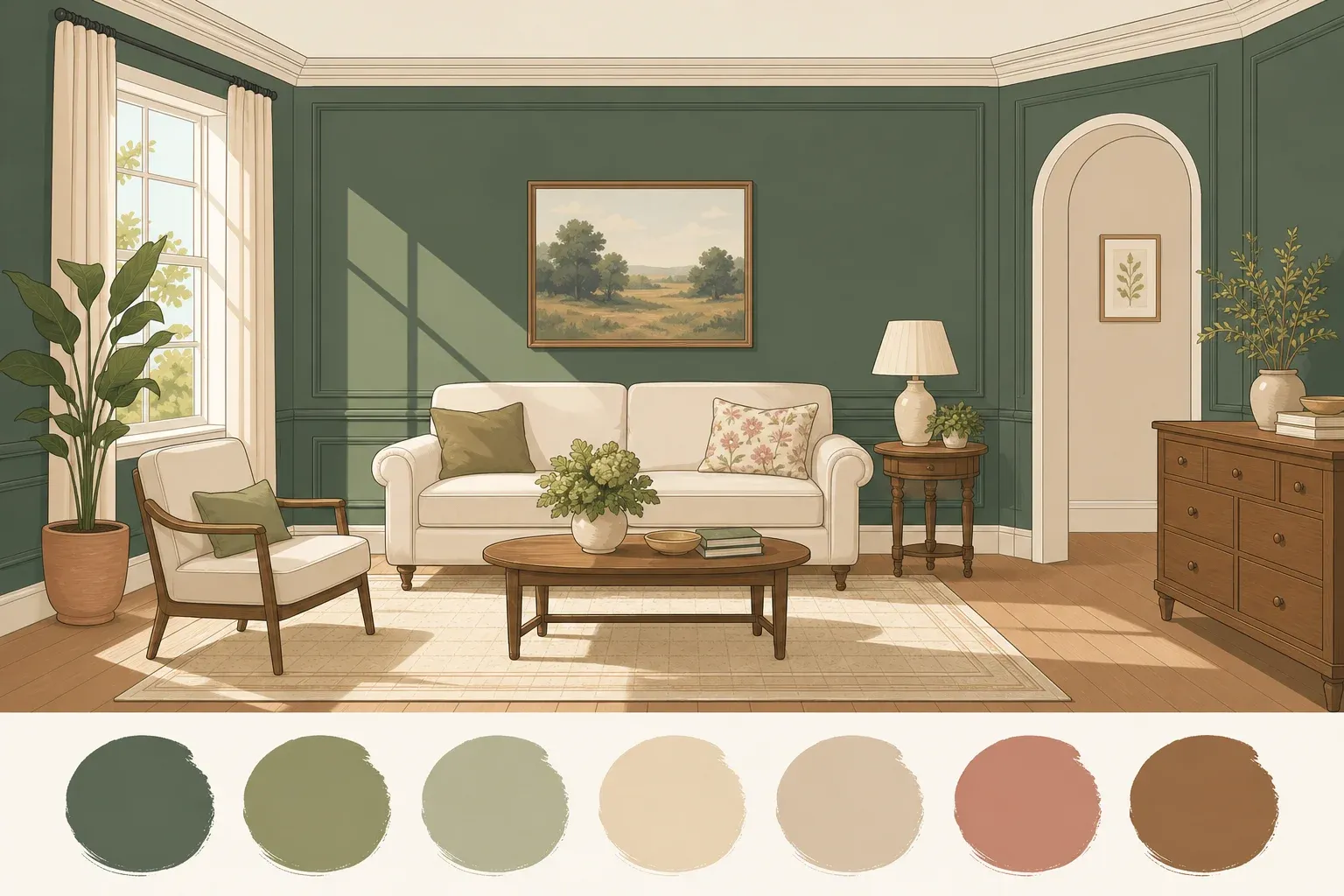
Start by gathering inspiration images that capture the mood you want to achieve, but now include your AI-generated designs as anchor points. Images in a moodboard can define tone, mood, lighting, and color. Include fabric swatches, paint colors, furniture pieces, lighting fixtures, and decorative accessories that align with your AI-generated designs, but also add elements that represent the emotional experience you want in the space.
The strategic advantage of combining AI designs with mood boards lies in creating a feedback loop: AI shows you what's spatially possible, while mood boards help you articulate what's emotionally desirable. Your AI designs provide the technical framework, while your mood board ensures the final result feels authentically like you.
Tip: Create a new board for each moodboard direction if you're exploring multiple AI-generated styles. This organization becomes especially valuable when AI generates multiple style options – you can develop each direction fully before making final decisions.
Cleanup & Disposal
Clear the browser cache if you uploaded personal room photos to free platforms
Save your favorite design concepts to your device before closing browser sessions
Organize downloaded images in labeled folders for easy reference during shopping
Troubleshooting
Problem: AI generates designs that don't match your room's layout → Fix: Ensure your uploaded photo shows the full room clearly with good lighting and minimal clutter; try taking photos from different angles to help AI better understand spatial relationships
Problem: Style results look too generic or don't reflect your personality → Fix: Try platforms with more specific style categories, or combine elements from multiple AI-generated concepts to create a hybrid approach that feels more personal
Problem: Can't find furniture pieces from AI designs → Fix: Use the AI designs as inspiration for color schemes, layout principles, and style direction rather than exact replication; focus on capturing the overall aesthetic rather than matching every specific item
Variations & Upgrades
Budget-conscious approach: Use free platforms exclusively and create mood boards in Canva for complete design planning without spending anything
Enhanced experience: Try premium features like Decoratly's PRO payments for unlimited use at $7.99 for 7 days to generate multiple style options and higher-resolution images
Professional route: Combine AI concepts with consultation from freelance designers on platforms like Fiverr to get expert guidance on implementing your AI-generated ideas
FAQ
Can I use these tools for any room type? Yes – AI adapts to any area of your home, from living rooms and kitchens to bedrooms and home offices. The analysis and style application work across all residential spaces.
Will the AI designs work in my actual space? The designs serve as inspiration and direction rather than exact blueprints. Focus on color schemes, furniture styles, and layout principles that translate to your real room's dimensions and constraints.
How accurate are the AI-generated furniture suggestions? Many platforms allow users to click on furniture within renders to find similar products online, making it easier to source actual pieces that match the AI concepts and fit your budget.
Ready to transform your space?
AI-powered design tools have democratized interior decorating, putting professional-quality concepts at everyone's fingertips. These smart platforms help expand creative possibilities, save time and costs, and provide accessibility to quality design ideas. Whether you're planning a complete room makeover or just want to experiment with new color schemes, these free tools provide the perfect starting point for your design journey.
The technology will only continue improving – each service will continue to get better at design, and that's the promise of AI. What once seemed impossible for the average homeowner – accessing professional design insights, experimenting with multiple style directions, and visualizing changes before committing to purchases – is now just a few clicks away.
Start with one room, upload a clear photo, and let AI show you possibilities you might never have considered. Your dream space isn't just waiting to be discovered – it's waiting to be created, refined, and brought to life through the perfect combination of artificial intelligence and your personal vision.


Comments
Be the first, drop a comment!